Growman and GiveMeData both help you turn Instagram profiles into a spreadsheet of leads. They suit different jobs. This comparison covers how each one works, where you start, what you get for each profile, what it costs, and when to pick which.
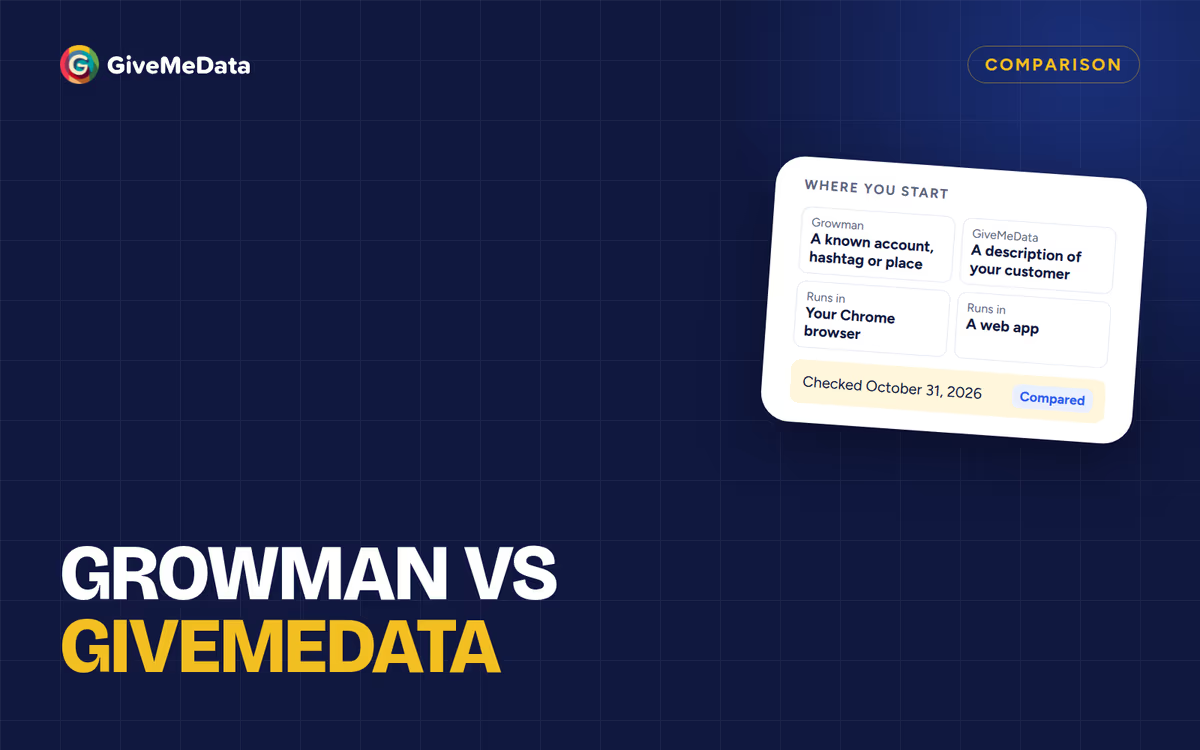
Growman’s details below come from its Chrome Web Store listing, checked on October 31, 2026. GiveMeData’s come from our pricing page on the same day.
The short answer
- Growman is a Chrome extension. You start from something you already know (an account’s followers or following, a hashtag, or a location) and export the profiles it finds to an Excel file. The free version exports the first 500 profiles of each extraction; a paid version removes the limit.
- GiveMeData is a web app. You can start from a description of your customer (“dentists in Houston with an email”) and let IG Leads Guru plan the search, filter profiles we have already indexed, or start from posts and accounts you know. You pay in credits, and contact details only when they’re found.
If you already know exactly which accounts, hashtags or places to pull from and want a spreadsheet now and then, an extension like Growman may be all you need. If you know who your customer is but not where to find them, or you work as a team, GiveMeData is built for that.
At a glance
| Growman | GiveMeData | |
|---|---|---|
| What it is | Chrome extension | Web app |
| Install | Add to Chrome | Nothing to install |
| Instagram account | Its listing says it doesn’t ask for your password | Not connected at all |
| Start from a description of your customer | No | Yes, with IG Leads Guru |
| Start from accounts, hashtags or locations | Yes | Yes |
| Start from who commented on posts | Not listed | Yes, with Engagement Analysis |
| Search profiles that are already indexed | No | Yes, with Records Search |
| Profile details | Emails, bio, follower and following counts, phone, address | Bio, counts, category, account type, city, website, public email and phone |
| File formats | Excel (xlsx) | CSV, Excel, JSON |
| Teams | Not listed | 2 to 15 seats by plan, shared credits |
| Schedules and API | Not listed | Scheduled runs; webhooks and API on Pro and up |
| Price | Free for the first 500 profiles per extraction; paid version, price not shown on the listing | Free to sign up; plans from $19 a month (150,000 credits) |
How each one works
Growman runs inside your Chrome browser. You pick a starting point in the extension, and it collects the matching profiles and their public details into an Excel file. It has about 100,000 users and a 4.8 rating from 274 reviews on the Chrome Web Store.
GiveMeData runs in a web app at dashboard.givemedata.co. There’s nothing to install and you don’t connect your Instagram account. Searches run on our side, so you can close the tab and come back to a finished list.
Where you start
This is the difference that matters most for finding customers.
With an extension, you need a starting point you can name: an account whose followers you want, a hashtag, a location. That works well when you already know where your customers gather.
GiveMeData adds two ways in that don’t need one:
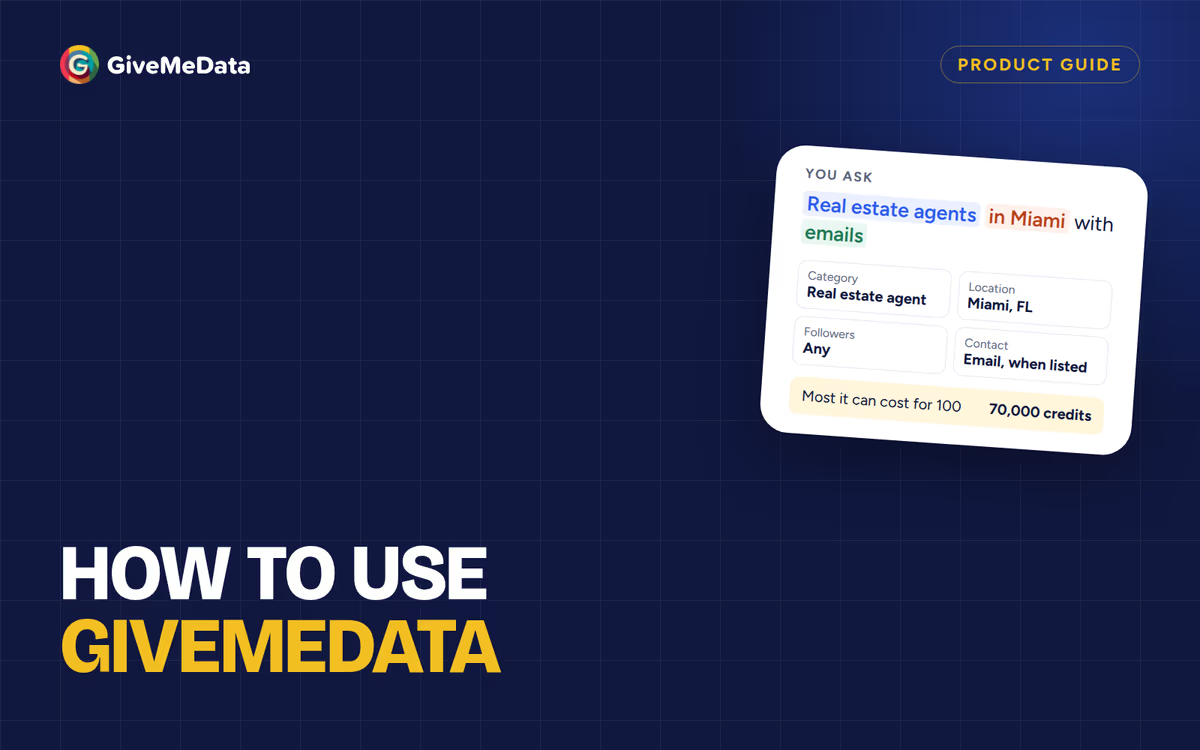
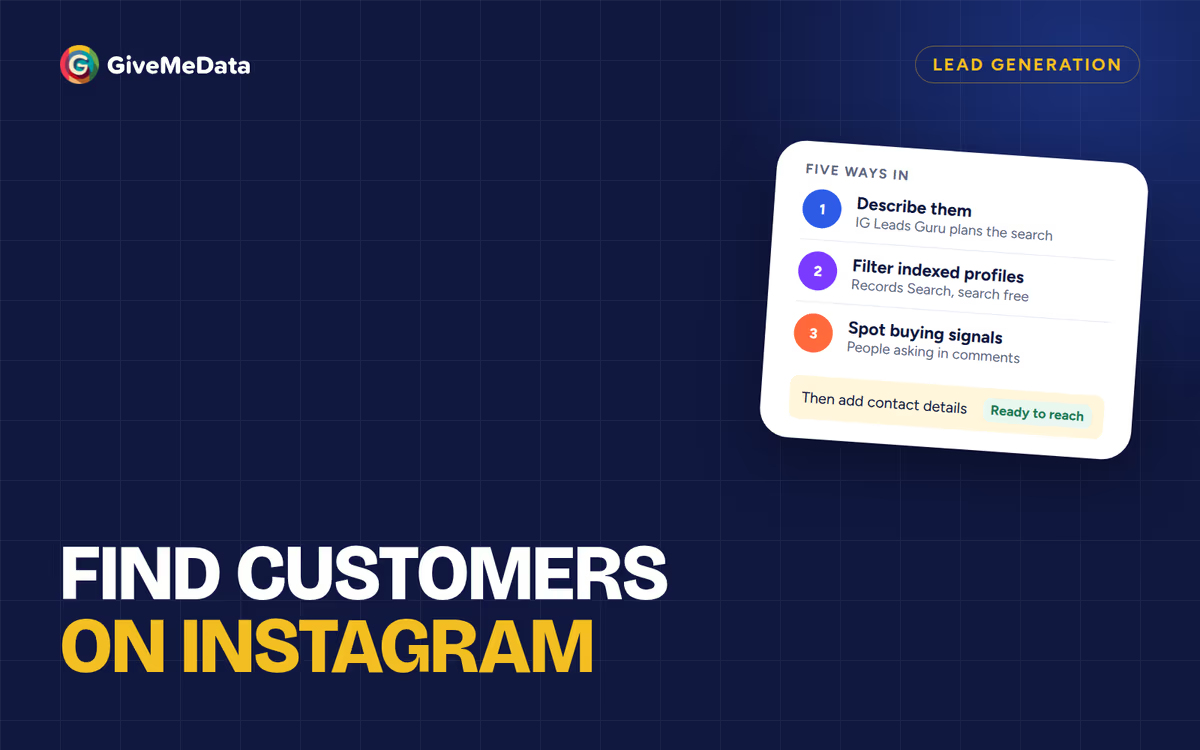
- Describe your customer. Type “Pilates studios in Denver with 1K+ followers and an email” into IG Leads Guru. It sets the filters, checks the profiles we have already indexed, searches Instagram for the rest, and shows the most it can cost before you start.
- Filter what’s already indexed. Records Search lets you filter indexed profiles by niche, location, follower range and contact details for free, and unlock only the ones you want.
And when you do know where your customers are, you can start from the people commenting on a business’s posts with Engagement Analysis (each comment comes with what they wrote), from hashtags and locations, or from an account’s audience.
What you get for each profile
Both return the public details a profile shows. Growman lists emails, biography, follower and following counts, phone and address. GiveMeData returns bio, follower, following and post counts, category, account type, city, website, verified status, and the public email and phone a profile lists. Contact details come from what each profile lists publicly; neither tool can add an email a profile hasn’t listed.
What it costs
Growman is free for the first 500 profiles of each extraction. The paid version removes that limit; its price isn’t shown on the store listing.
GiveMeData uses credits. Plans: Starter $19 a month (150,000 credits), Pro $49 (500,000), Business $149 (2,000,000); unused plan credits roll over. Some examples at today’s prices:
| Job | Credits | On Pro |
|---|---|---|
| Guru search for 100 profiles with emails | At most 70,000 | At most $6.86 |
| 100 profiles from Records, filtered to those with an email | 40,000 | $3.92 |
| Commenters on 20 posts, about 600 people | 9,000 | $0.88 |
| Profile details for 1,000 usernames you have | 25,000 | $2.45 |
Emails and phones are charged only when found, and whatever a search doesn’t use goes back to your balance.
Which one to choose
Growman fits if:
- You already know the accounts, hashtags or places to pull from.
- You need a spreadsheet occasionally and prefer a browser tool.
- One person does the work.
GiveMeData fits if:
- You know who your customer is, but not which accounts they follow.
- You want to see the price before a search runs and pay for contact details only when they’re found.
- You work as a team, or want searches on a schedule or through an API.
Questions
Is Growman free?
Its free version exports the first 500 profiles of each extraction, according to its store listing. A paid version removes the limit.
Do I need to install anything to use GiveMeData?
No. It runs in the web app, and you don’t connect your Instagram account.
Can GiveMeData find customers by niche and city?
Yes. Describe them to IG Leads Guru (“real estate agents in Miami with emails”) and it plans the search for you. More ways are in how to find customers on Instagram.
Can I try GiveMeData for free?
Signing up and planning a search with the Guru are free, and no card is needed. Running searches uses credits, which come with every paid plan.