Millions of businesses and professionals run their work through an Instagram profile: real estate agents, dentists, studios, salons, shops, coaches, agencies. Their profile says what they do, where they are and, often, how to contact them. That makes Instagram one of the best places to find customers, if you know who you’re looking for and how to get from a description to a list.
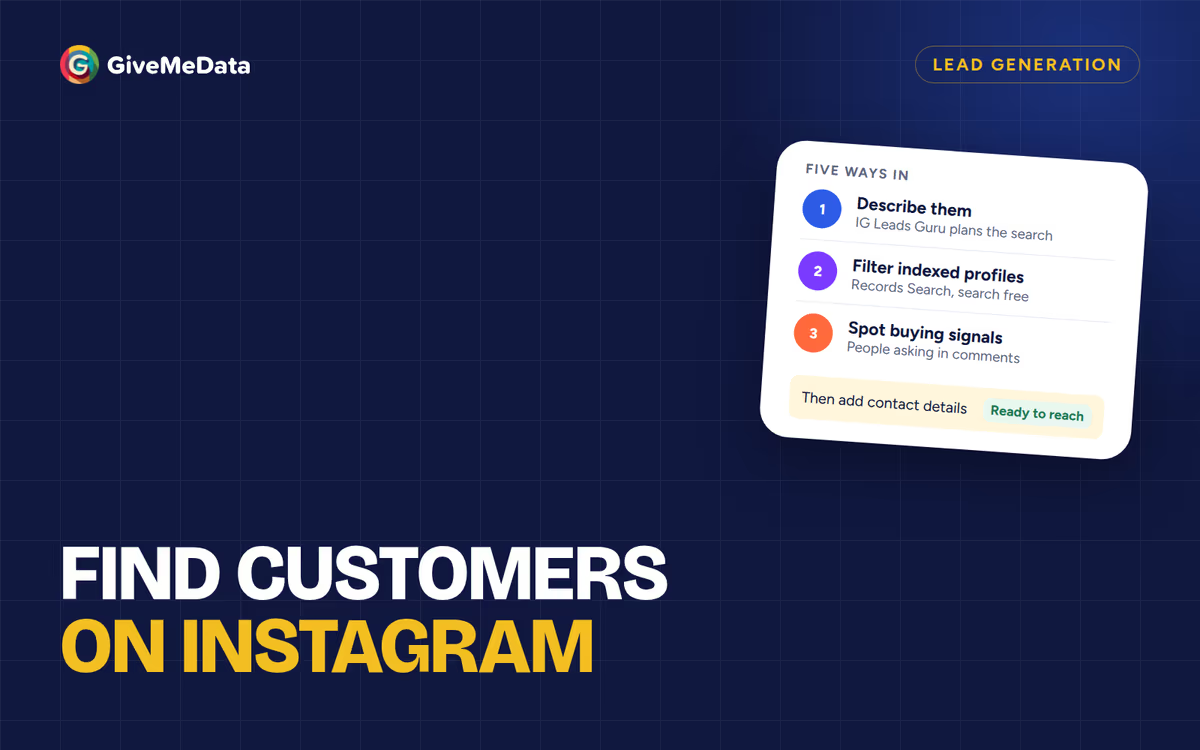
This guide covers five ways to do that with GiveMeData, from the most direct to the most specific, and what each one costs.
First, write down who your customer is
Everything below works better with a one-line description of your customer. Four parts are enough:
- What they do: “real estate agents”, “pilates studios”, “skincare brands”.
- Where they are: a city, a state, a country, or anywhere.
- How big: a follower range is a good stand-in for how established they are.
- How you’ll reach them: email, phone, or a direct message.
For example: “Pilates studios in Denver with 1K+ followers and an email”.
1. Describe them to IG Leads Guru
The most direct way: type that description into IG Leads Guru. The Guru turns it into filters (category, location, follower range, contact details), and you can check and change each one before anything runs.
It looks for matching profiles we have already indexed first, then searches Instagram live for the rest, and shows the most the search can cost before you start:
- 500 credits per new profile found.
- 200 for an email and 600 for a phone, charged only when we find one.
- Whatever the search doesn’t use goes back to your balance.
A search for 100 profiles with emails costs at most 70,000 credits ($6.86 on the Pro plan). Planning with the Guru is free.
2. Filter profiles we have already indexed
Records Search is a table of Instagram profiles we have already indexed. Filter it by niche, location, follower range, and whether a profile lists an email or phone. Searching and counts are free, so you can see how many profiles match before you spend anything. You unlock the ones you want at 200 credits each, plus 200 for an email and 600 for a phone when found, and your team never pays twice for the same profile.
Records is the cheapest route when your customers are already in the index: 100 profiles with emails, filtered to those that list one, cost 40,000 credits.
3. Find people showing buying signals
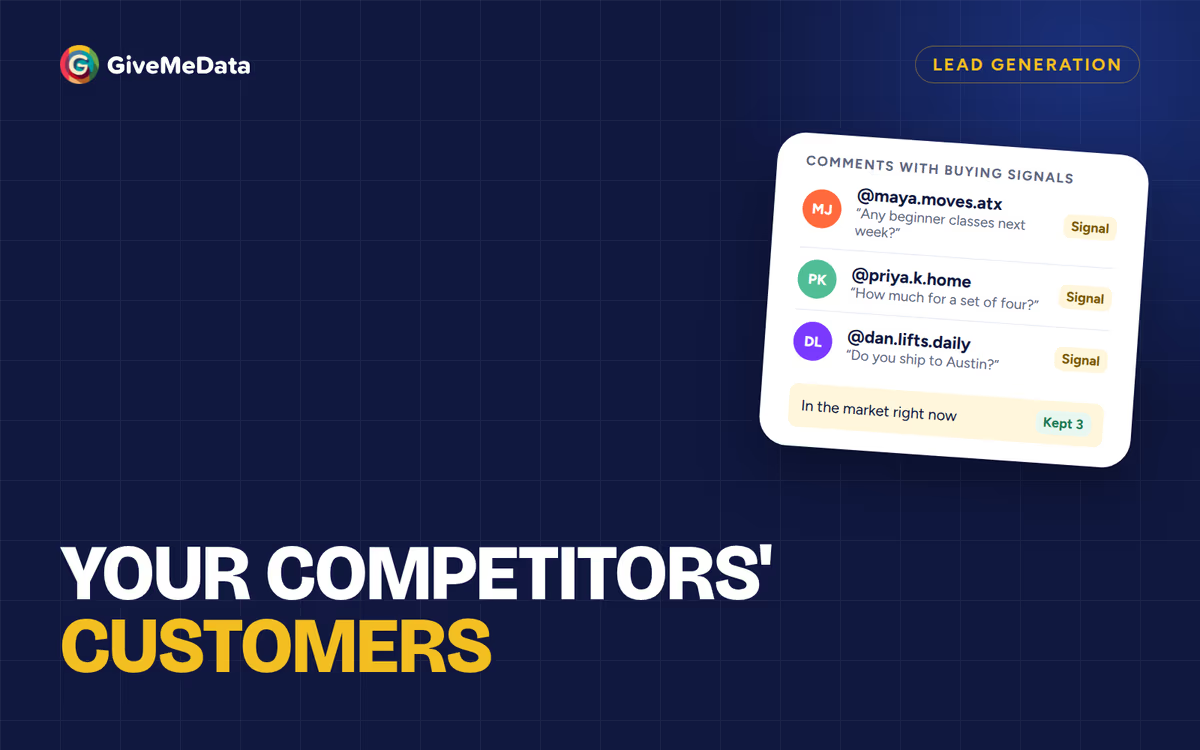
Some of the best customers announce themselves. They comment “do you ship to Austin?” on a brand’s post, ask for prices, or tag a friend under a product. Those comments are buying signals, and they sit on the posts of businesses in your niche.
Engagement Analysis lists who commented on a post, or on a profile’s recent posts, with what they wrote: 15 credits per commenter. Read the comments, keep the people asking questions, and you have a short list of people who are in the market right now.
Posts under a hashtag or tagged at a location work the same way: they show you who is active in a topic or a place. Hashtag posts cost 1 credit each and location posts 5.
How to work this with competitors’ posts is in find your competitors’ customers on Instagram.
4. Start from a brand your customers follow
If there’s an account your customers clearly follow, such as a local business association, a trade show, or a supplier your customers all buy from, its audience is a ready-made list. Audience Export lists the public accounts that follow it, at 1 credit per account. Keep the business and professional accounts that fit your description and leave the rest.
This works best with small, focused accounts. A big brand’s audience is broad and mostly personal accounts.
5. Fill in contact details
Already have a list of usernames, from any of the above or your own spreadsheet? Bulk Profile Enrichment adds each profile’s bio, category, account type, follower count, city, website, and the public email and phone it lists: 25 credits per profile, refunded if the profile isn’t found.
Contact details come from what each profile lists publicly. Businesses and creators often list an email or phone; personal accounts rarely do.
Keep the profiles that fit
Whichever way you built the list, narrow it before you reach out:
- Category and account type: keep the kind of business you sell to.
- Follower range: skip accounts too small to buy or too big to answer.
- City or bio keywords: keep your area or your niche.
- Contact details: keep the profiles you can actually reach the way you plan to.
Reach out
A list is only useful if people answer. Two guides for the next step:
- Instagram cold DM outreach: research each profile, write a first message about them, follow up.
- Find Instagram business emails for cold email: sending setup, compliance and templates.
What it costs at a glance
At October 2026 prices (see pricing):
| Way | Price |
|---|---|
| Plan with IG Leads Guru | Free |
| Guru live search | 500 credits per new profile, +200 per email found |
| Records Search | Search free; 200 per unlock, +200 per email found |
| Commenters on posts | 15 credits per commenter |
| Hashtag or location posts | 1 or 5 credits per post |
| A brand’s audience | 1 credit per account |
| Bulk Profile Enrichment | 25 credits per profile |
Plans start at $19 a month for 150,000 credits. Signing up is free and needs no card.
Questions
Do I need to connect my Instagram account?
No. GiveMeData runs in the web app. You don’t connect your Instagram account or install a browser extension.
Where do the contact details come from?
From the contact details each profile lists publicly on Instagram. If a profile hasn’t listed an email or phone, there is none to add, and you aren’t charged for one.
Can I download the list to Excel or Google Sheets?
Yes. Lists download free as CSV, and exports as Excel or JSON too. To work in Google Sheets, import the CSV.
Why does a list from a verified account’s audience stop at 50?
Instagram shows only 50 followers of a verified account, so that is all anyone can list, and you are charged only for those. For a large brand, the people commenting on its posts are the better list anyway.