Many businesses and creators put an email address on their Instagram profile so customers and partners can reach them. Paired with what the profile shows (what they sell, where, what they posted last week), that address is a better starting point for a cold email than a row in a bought list. This guide covers where those emails come from, how to find the accounts that list one, what it costs, how to send without hurting your domain, and what to write.
Where the emails come from
Business and creator accounts can add contact details to their public profile: an email, a phone number and a website, shown as buttons like Email and Call. Those contact details are what GiveMeData returns. If a profile has not listed an email, there is no email to find, and you are not charged for one.
Personal accounts rarely list contact details, so email works best when your customers are businesses, practices, studios, shops and creators.
Find accounts that list an email
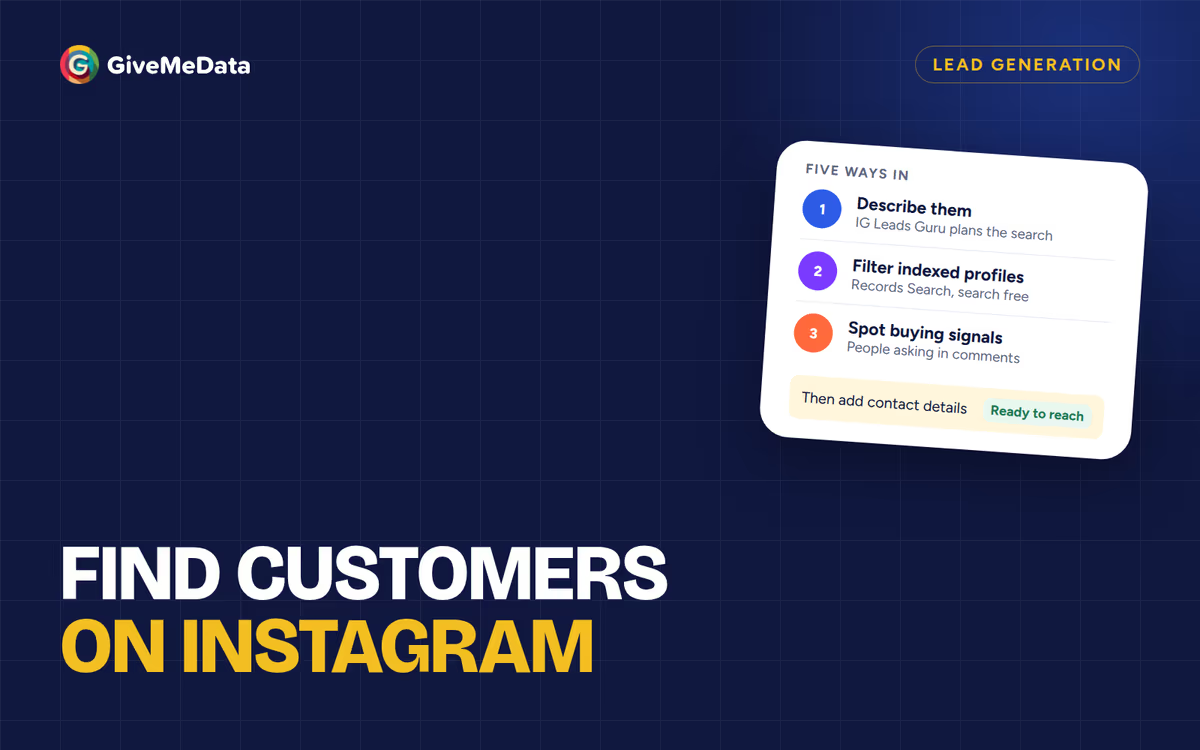
Pick the route that matches what you know:
- Describe who you want. Ask IG Leads Guru for “Real estate agents in Miami with emails” or “Wedding photographers in London with emails”. It plans the search, shows the most it can cost, and returns each profile with the contact details it lists.
- Filter what’s already indexed. Records Search filters profiles by niche, location, size and whether they list an email, before you unlock anything.
- You already have usernames. Upload them to Bulk Profile Enrichment to get each profile’s public email, phone and website.
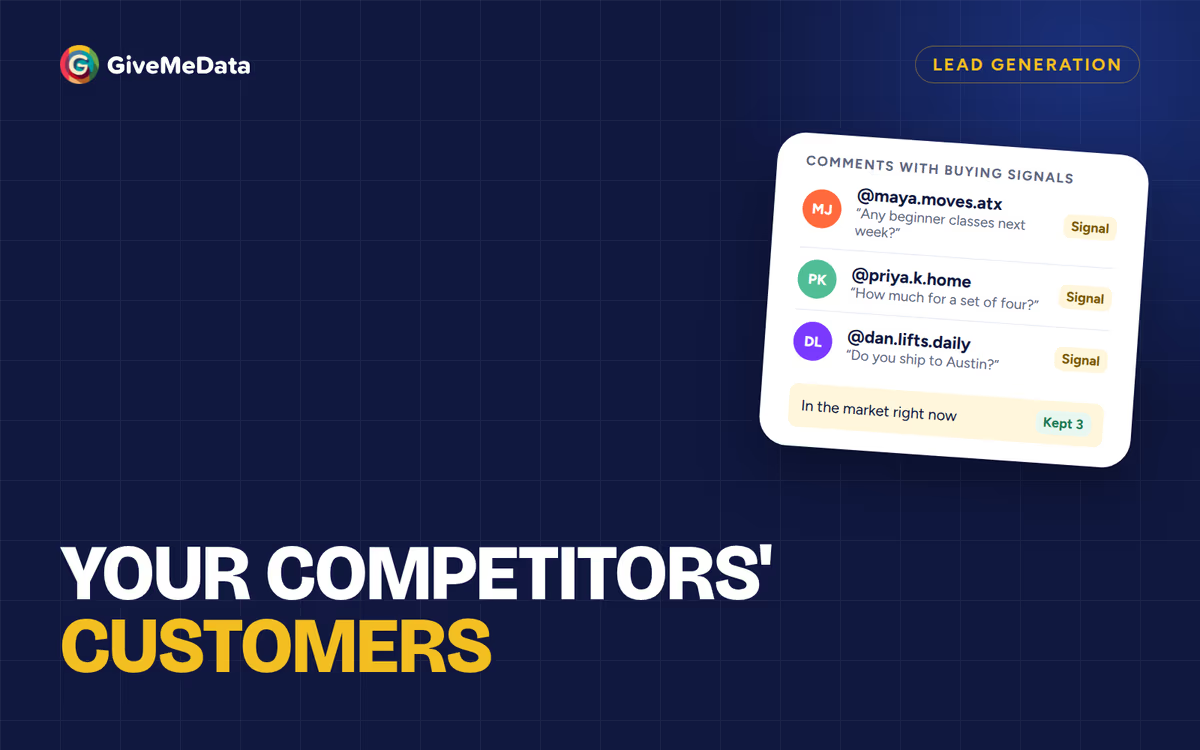
- Start from people asking questions. List the people commenting on posts in your niche, keep the ones asking about prices or availability, then add profile details. See find your competitors’ customers on Instagram and how to find customers on Instagram.
What it costs
At October 2026 prices:
| Route | Price |
|---|---|
| Guru live search | 500 credits per new profile found, plus 200 per email found |
| Records unlock | 200 credits per profile, plus 200 per email found |
| Bulk Profile Enrichment | 25 credits per profile, refunded if the profile isn’t found |
Two examples for 100 profiles with emails:
- From Records, filtered to profiles that list an email: 100 × (200 + 200) = 40,000 credits.
- From a live search: at most 70,000 credits, which is $6.86 on the Pro plan and $8.87 on Starter. You pay the email part only for emails we find, and whatever the search doesn’t use goes back to your balance.
The Guru checks the profiles we have already indexed first, so a search often mixes both. Current prices are on the pricing page.
Export with the details you’ll write from
Download the list as CSV. Keep these columns next to the email; they are your personalization:
- Bio: what they sell and how they describe themselves.
- Category and city: for segmenting and local relevance.
- Website: a second place to find a detail worth mentioning.
- Follower count: a rough sense of size, useful for picking the offer.
Most sending tools take a CSV and turn its columns into variables. Map them like this, and add one column you write yourself:
| Variable | Comes from |
|---|---|
{{first_name}} | The first word of the full name, checked by eye |
{{city}} | City |
{{category}} | Category |
{{first_line}} | Written by you from the bio or a recent post |
The first line is the one that gets the reply. Templates can fill in the rest.
Set up sending before you send
Cold email is judged by inbox providers before a person ever sees it. A few basics keep your messages out of spam:
- Use a separate domain for outreach (a variation of your main one), so your company’s main inbox is never affected.
- Authenticate it with SPF, DKIM and DMARC records. Your email provider’s setup guide covers all three.
- Warm it up. Start with a handful of messages a day and increase over a few weeks.
- Keep daily volume modest, around 30 to 50 per inbox, and write in plain text.
- Check addresses with an email verification tool before a campaign. Profiles list what their owners typed, and some inboxes are no longer watched.
Stay compliant
Rules depend on where your recipients are. This is a summary, not legal advice:
- United States (CAN-SPAM): an honest subject line, your physical address, and a working way to opt out that you honor.
- UK and EU (GDPR): business outreach usually relies on legitimate interest. Keep it relevant to their business, say where you found their details, and stop when they object.
- Canada (CASL): stricter consent rules. Check them before emailing Canadian recipients.
Everywhere: one clear opt-out line, and remove anyone who asks.
What to write
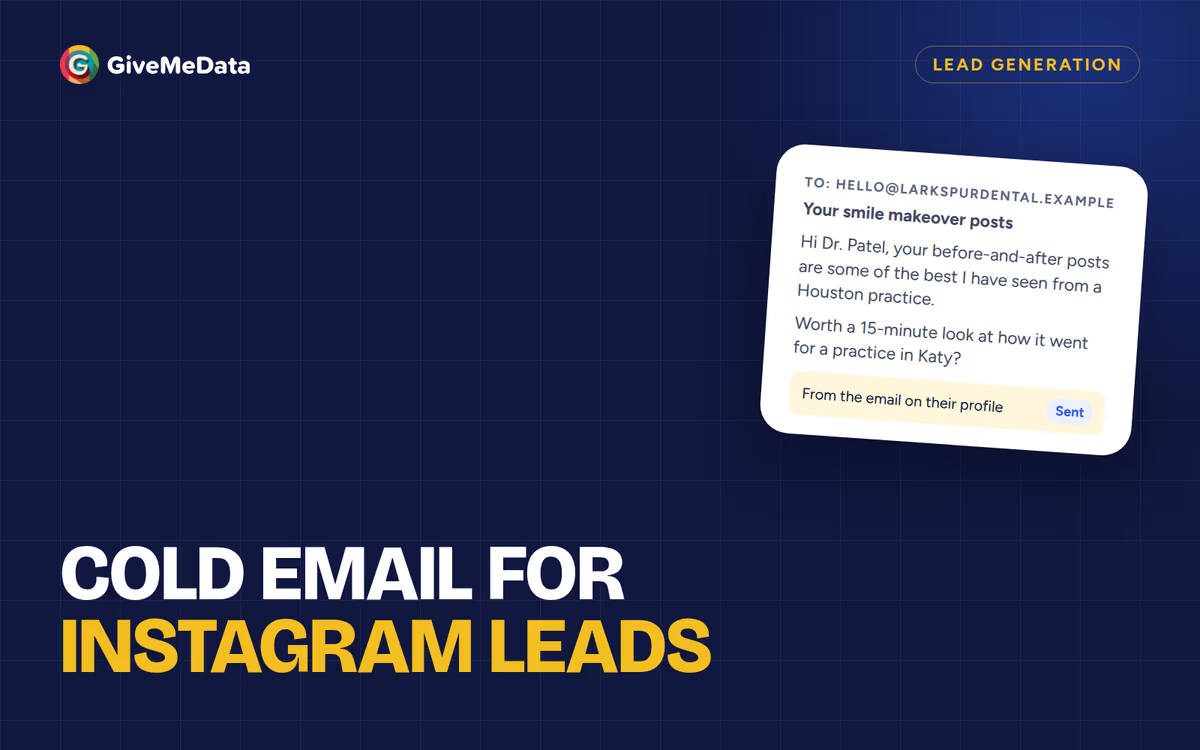
Short beats clever. Four parts: a first line about them, why you’re writing, one concrete result, a small ask.
Florist to a wedding photographer
Subject: Your Kew Gardens wedding set
Hi Hannah,
The greenhouse portraits from your Kew Gardens wedding last month were lovely.
I run a florist in Richmond that does a lot of garden weddings, and couples often ask us for a photographer.
Would you be open to swapping referrals? Happy to send a few of our recent setups first.
Mortgage lender to a real estate team
Subject: Your Coral Gables closings
Hi Andre,
Congrats on the three Coral Gables closings your team posted this month.
I’m a mortgage lender in Miami and close most pre-approvals within a day, which helps agents keep buyers moving.
Would a short intro call next week be useful?
Fulfillment partner to a clothing brand
Subject: The linen drop
Hi Priya,
Your new linen collection looks great, and the comments suggest it’s selling fast.
We pack and ship orders for small apparel brands from a warehouse in New Jersey, usually same day.
Is shipping something you still do in-house?
Review software to a dental practice
Subject: Your patient stories
Hi Dr. Okafor,
Your patient story posts are a nice touch. Few practices in Atlanta do that.
We help practices turn happy patients into online reviews with one text after each visit.
Worth a 15-minute look?
Follow up, then stop
Send one or two follow-ups, three to five days apart, each with something new: a quick idea, a short result, a simpler question. Then stop.
Email or DM?
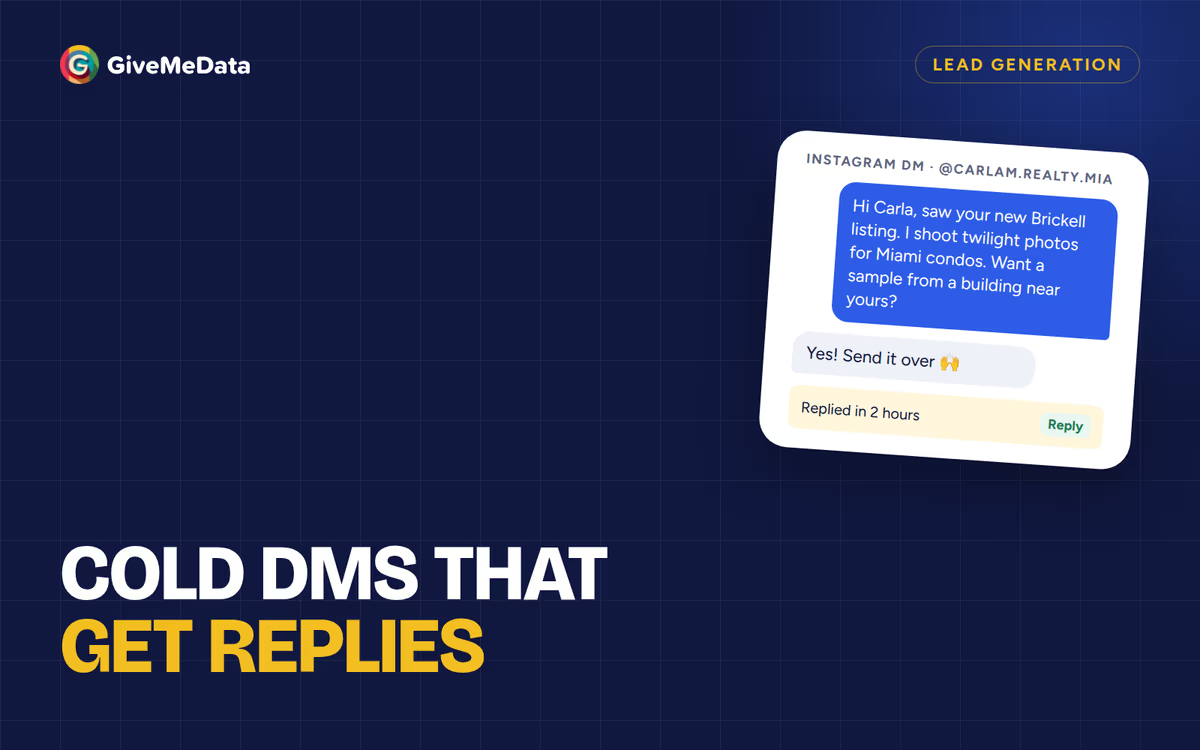
Use email when the profile lists a public email and your offer needs more context than a few lines. Use a DM when there’s no email, when the person is an active commenter, or when your offer is visual and quick to understand. See Instagram cold DM outreach.
Questions
Are the emails verified?
They are the emails each profile lists publicly. We don’t promise every inbox is monitored, so run your list through an email verifier before a campaign.
Do I pay for profiles without an email?
In a live search, each new profile costs 500 credits and an email adds 200 only when we find one. In Records, you can filter to profiles that list an email before you unlock.
Can I get phone numbers too?
Yes, when the profile lists one. A phone adds 600 credits in a live search or a Records unlock, charged only when found.
Is this only for Instagram?
Yes. GiveMeData works with public Instagram profiles only.